
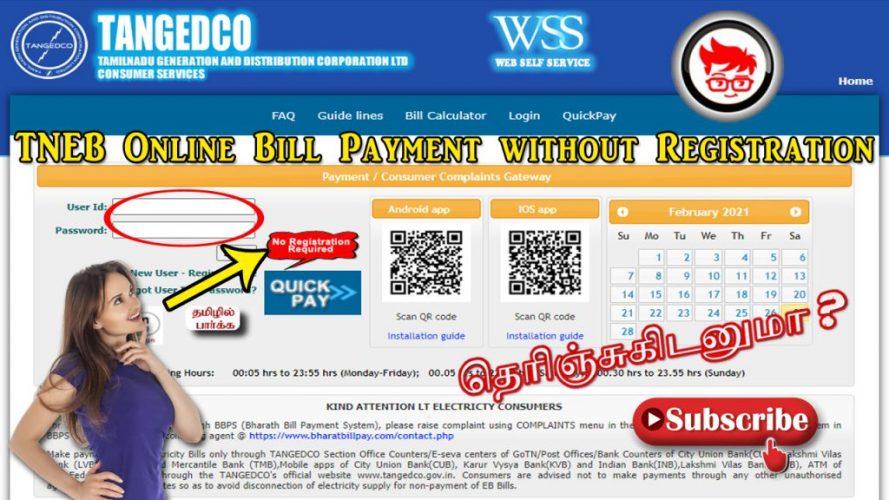
Pay Electricity Bill Online: In this article, we discuss How to pay electricity bill online without registration in Tamilnadu. In the olden days, TNEB electricity had only one option as directly visit the TNEB office to pay your current two-month EB bill, Now technology improved they are having the option to pay the EB bill online in Tamilnadu, and every consumer can create a new account in TNEB bill payment official website to pay the current bill on every two months.
Currently, TNEB Electricity provides a new option to reduce the consumer to pay the EB bill very easily online without registration, anyone can pay the EB bill for any consumer online in Tamilnadu, No need to worry about registration, activation, Just knowing the consumer no, email id (optional), mobile number(optional) you can pay electricity bill online. I will show the step-by-step Guidance below
For detailed information on TNEB region codes, check out our TNEB Region Code List. This resource will help you easily identify and navigate the various regions serviced by TNEB.
Table of Contents
Pay Electricity Bill Online Without registration
- You must open the official Website for TNEB Electricity Board for online EB bill payment
- Direct Official TNEB Electricity Board Website Link: https://www.tnebnet.org/awp/login
- Check there is an image for Quick Pay no registration image, click on it
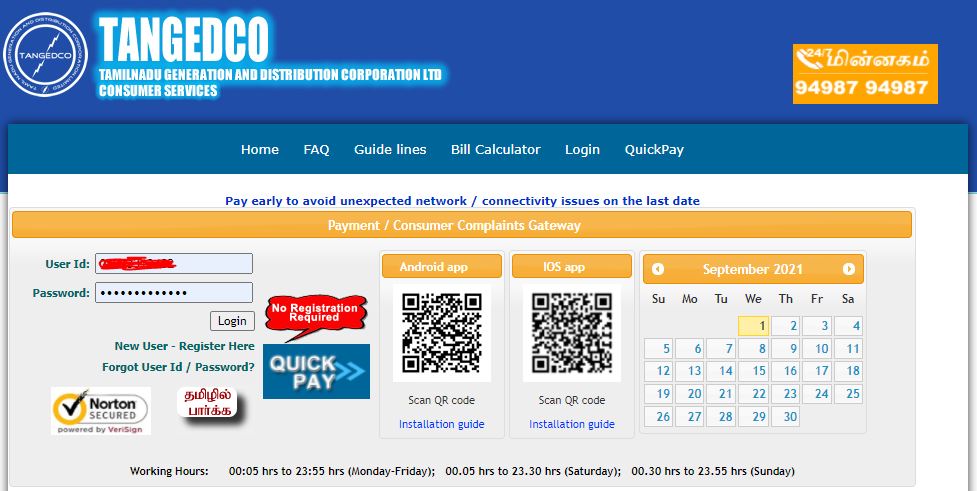
4. Direct TNEB Electricity Board Quick Pay Payment Link without registration. https://www.tnebnet.org/qwp/qpay
Quick Pay Payment Gateway – TNEB Online
5. Enter the required details, add consumer no with region code, already discuss the articles check it below links
How to Know Your Consumer No in TNEB Electricity Online
How to Know Your Region Code in TNEB Electricity Online
6. In the Quick Payment Gateway entering the mobile number and email id is optional, if you know you can enter the mobile number as well as the email id.
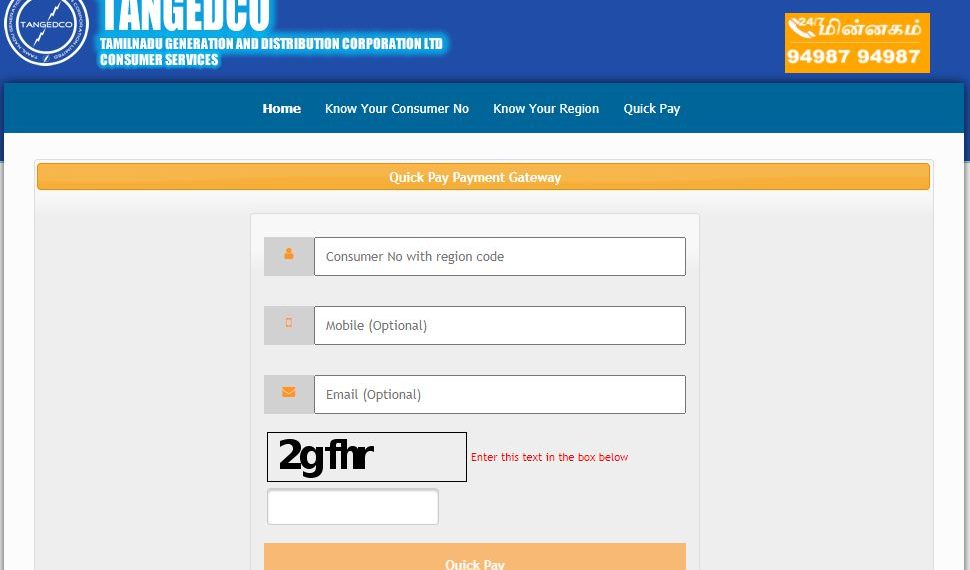
7. At least you must enter the text below the box shown to enter it correctly like caps letter means caps, and small means small letter, then only it will move on to the next step.
Also Read: How to Link Aadhaar TNEB Online in Tamilnadu – tnebltd.gov.in
Pay Electricity Bill Payment Step by Step
8. Once Finished next step will show the bill due for the respective consumer, no you entering for pay the electricity bill online.
9. Verify the amount details and click the pay button to proceed further with payment, it will ask you to tick the terms and conditions box and next choose the payment gateway for internet banking to finish the payment.
10. Once payment is done, it will automatically redirect to the TNEB electricity board bill payment website to show the acknowledgment slip for your bill payment.
11. Download the EB Bill and Print it for your future reference for bill payment.
How to pay electricity bill online without registration in Tamilnadu
Subscribe our Youtube Channels to get more latest updates.
Important Website Links
| TNEB Quick Pay Payment Gateway | Click Here |
| TNEB Official Website | Click here |
| TNEB Website Login | Click here |
| TNEB Know Consumer No Official Website Link | Click here |
| TNEB Know Your Region Code No Official Website Link | Click here |
TNEB Electricity Helpful Number List
You can call 24/7 TNEB Electricity Customer Care Support Team at 94987 94987 for Power Related Complaints, Application Related Complaints, and Billing Related Complaints.
TNEB Online WhatsApp Number: 94458 50811